
Why AdCreative.ai Tutorials for Beginners is Perfect to start with?
Let’s face it: designing ads can feel like solving a puzzle blindfolded. But AdCreative.ai flips the script with its beginner-friendly interface and smart AI automation. Whether you’re launching your first ad or just hate wasting hours on design, this tool cuts the learning curve. Think of it as your AI co-pilot—no fancy design skills needed. Plus, it cranks out ads 10x faster than manual tools like Canva. Ready to stop stressing and start creating? Let’s dive into AdCreative.ai tutorials for beginners to get you up and running today.
Getting Started with AdCreative.ai
Step 1: Setting Up Your Account
First things first: sign up for AdCreative.ai. Head to their website, click “Start Free Trial”, and pick the Starter Plan (it’s perfect for beginners). You’ll get:
- 10 free credits to test the platform.
- Access to basic templates and AI tools.
Once you’re in, the dashboard greets you with four simple tabs:
- Campaigns: Where your ads live.
- Templates: Pre-designed layouts for Facebook, Instagram, etc.
- Analytics: Track clicks, conversions, and more.
- Brand Kit: Add your logo, colors, and fonts here.
Pro Tip: Spend 5 minutes setting up your Brand Kit—it lets AI auto-match your ads to your style.
Step 2: Creating Your First AI-Generated Ad
Click “Create New Ad” and let the fun begin:
- Choose a template: Filter by platform (e.g., Instagram Story) or goal (Sales, Leads).
- Customize: Swap images from the free stock library or upload your own.
- Generate copy: Click “AI Writer” to auto-create headlines like “50% Off Today Only!”.
Example: A bakery used a “Limited-Time Offer” template, added cupcake photos, and let AI suggest “Sweet Deals Ending Soon!”—resulting in a 20% sales bump.
Step 3: Testing and Optimizing Ads
Don’t guess—test! Run A/B tests to see which ads perform best:
- Duplicate your ad and tweak one thing (e.g., headline or image).
- Let AI predict which version will win (look for the “Performance Score”).
- Publish both and check analytics in 48 hours.
Quick Fix: If an ad flops, use the “Optimize” button to auto-adjust colors or copy.
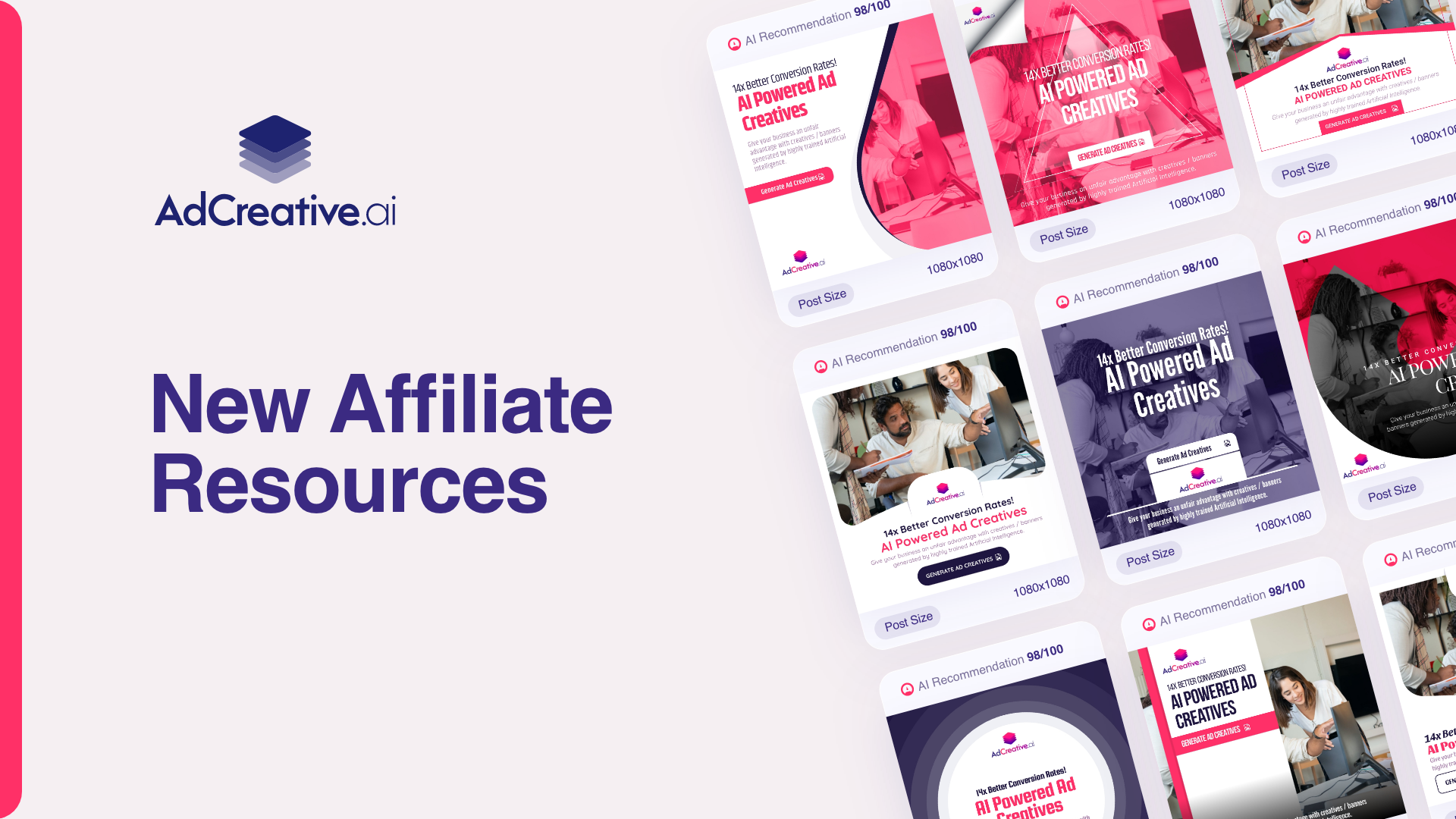
5 Easy Steps to Master AdCreative.ai Today
Step 1: Define Your Campaign Goals
Ask: “What’s my goal?”
- Traffic: Send users to your site.
- Sales: Promote a product.
- Leads: Collect emails or sign-ups.
Pro Tip: Start with one goal to keep things simple.
Step 2: Leverage Pre-Built Templates
AdCreative.ai’s templates are like training wheels—they keep you from crashing.
- Best for Instagram: “Carousel Ads” to showcase multiple products.
- Best for Google Ads: “Text-Focused” layouts with clear CTAs.
Case Study: A fitness coach used a “Before/After” template for a workout program—tripling her click-through rate.
Step 3: Use AI-Powered Copywriting
The AI writer isn’t Shakespeare, but it gets results. Here’s how to tweak its suggestions:
- Add humor: Change “Save Money” to “Your Wallet Will Thank You”.
- Shorten: “Get the Best Deals Today” → “Deals So Good, They’ll Vanish!”
Warning: Always proofread—AI sometimes suggests odd phrases like “Buy now for happy feelings!” 🙃
Step 4: Publish and Track Results
Connect AdCreative.ai to your Meta Ads Manager or Google Analytics in two clicks:
- Go to “Integrations” in settings.
- Follow the step-by-step prompts.
Key Metric to Watch: Cost Per Click (CPC). If it’s too high, tweak your audience targeting.
Step 5: Iterate for Better ROI
Found a winner? Double down!
- Scale budgets for top-performing ads.
- Reuse templates for holidays (e.g., Valentine’s Day).
Example: An online store reused its Black Friday template for Cyber Monday—doubling revenue with zero extra work.
Common Beginner Mistakes (And How to Avoid Them)
Mistake 1: Ignoring brand guidelines.
- Fix: Use the Brand Kit to lock in colors/fonts.
Mistake 2: Skipping A/B tests.
- Fix: Test two headlines weekly—it takes 2 minutes.
Mistake 3: Forgetting analytics.
- Fix: Set a weekly reminder to check performance.
Free vs. Paid Plans: What Beginners Should Know
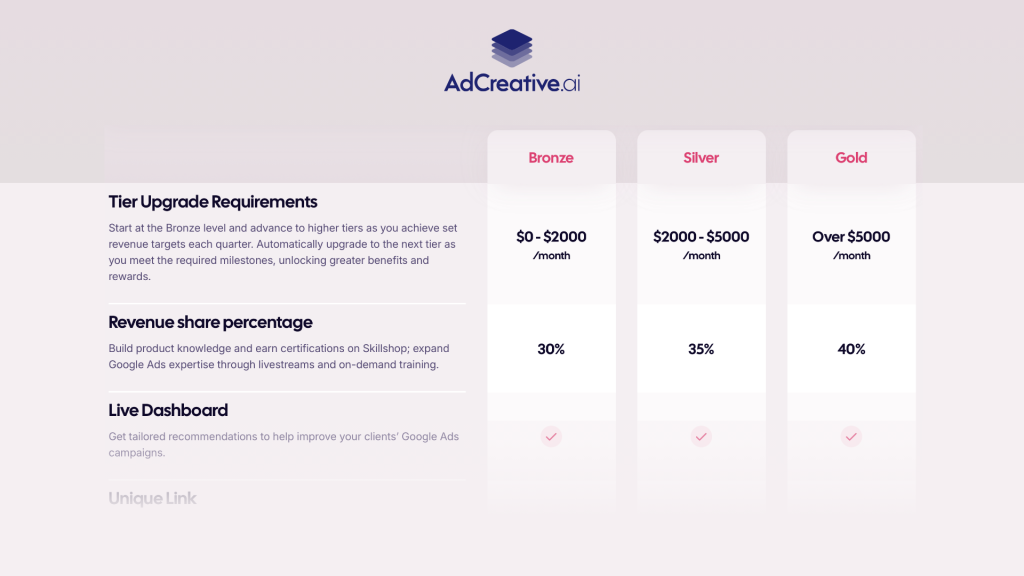
| Plan | Best For | Limitations |
|---|---|---|
| Free Trial | Testing the waters | Only 10 credits, 1 brand. |
| Starter ($49/month) | Small businesses | No multi-user access. |
| Professional ($149/month) | Agencies | Unlimited A/B tests, priority support. |
Upgrade When: You’re running 5+ campaigns monthly.
Advanced Tips for Faster Results
- Batch-create holiday ads: Design 10 Christmas ads in one sitting.
- Spy on competitors: Use AdCreative.ai’s Competitor Insights to steal their best ideas (ethically, of course).
Ready to Launch Your First AI Ad?
You’ve got the playbook—now it’s game time! AdCreative.ai tutorials for beginners make it easy to create ads that convert without the headache. Remember: start small, test often, and let AI do the heavy lifting.
👉 Try AdCreative.ai’s Free Trial Today—your future self (and your ROI) will thank you!